
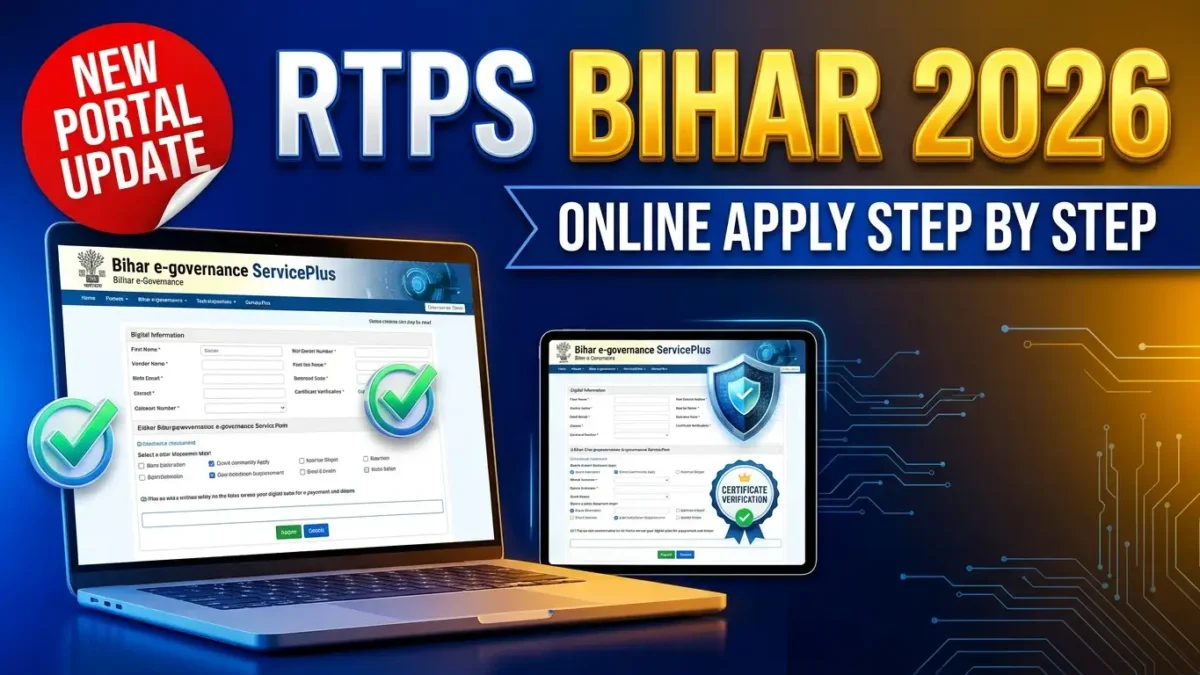
Navigating government administrative offices for basic citizen certificates is now a thing of the past with the official rtps bihar online apply mechanism provided by the Government of Bihar. Under the Right to Public Services (RTPS) Act, the state government transitioned all civil documentation workflows to the unified ServicePlus platform hosted at serviceonline.bihar.gov.in. Whether you are a student preparing for competitive recruitment, a farmer applying for state agricultural subsidies, or an entrepreneur registering a small business, submitting your online application through RTPS Bihar guarantees transparent processing, fixed delivery timelines, and legally enforceable digital certificates.
In this comprehensive guide, we unpack everything you need to know about navigating the RTPS Bihar portal, creating a citizen user profile, applying for essential certificates (Caste, Income, Domicile, Non-Creamy Layer, and EWS), and downloading digitally authenticated government certificates from anywhere.
RTPS Bihar Portal 2026: Service Overview
| Particulars | Details |
|---|---|
| Nodal Department | Department of General Administration, Govt. of Bihar |
| Portal Name | RTPS & Other Services (ServicePlus Bihar) |
| Primary URL | serviceonline.bihar.gov.in |
| Alternative Domains | rtps.bihar.gov.in / rtps1.bihar.gov.in / rtps4.bihar.gov.in |
| Key Services Available | Caste, Income, Residence, EWS, OBC-NCL, Character, Marriage |
| Mode of Submission | 100% Online (Aadhaar OTP or Self-Declaration) |
| Government Charges | Free (₹0) for all standard citizen certificates |
| Helpline / Support | [email protected] |
Key Public Services Available on RTPS Bihar
The RTPS portal hosts dozens of public welfare and administrative workflows across several key state departments:
- General Administration Department (GAD):
- Issuance of Residential / Domicile Certificate (निवास प्रमाण-पत्र)
- Issuance of Caste Certificate (जाति प्रमाण-पत्र)
- Issuance of Income Certificate (आय प्रमाण-पत्र)
- Economically Weaker Section (EWS) Certificate for General Category
- Non-Creamy Layer (NCL) Certificate for BC and EBC categories
-
Tatkal services for urgent certificate processing
-
Home Department (Police):
-
Online issuance of Police Character Certificate (चरित्र प्रमाण-पत्र)
-
Planning and Development Department:
-
Registration and issuance of Birth and Death Certificates
-
Social Welfare & Labour Resources:
- Disability allowance verification, social security pension approvals, and worker welfare registrations.
Prerequisites for RTPS Bihar Online Application
Before starting your application, ensure you have the following information and scanned files readily accessible:
– Active Mobile Number: Mandatory for receiving verification SMS, OTPs, and Application Reference Numbers.
– Valid Email Address: Recommended for receiving soft copies of issued certificates.
– Scanned Passport Photo: Color photograph in JPEG format, maximum size under 50 KB.
– Proof of Identity: Aadhaar Card, PAN Card, Voter Identity Card, or Passport (PDF/JPEG format under 200 KB).
– Address & Ancestral Records: Ward number, Gram Panchayat / Municipal body name, Thana (Police Station) number, and land holding details if applicable.
Step-by-Step Guide for RTPS Bihar Online Apply
Follow these instructions to submit an application without visiting an intermediary CSC center:
Step 1: Open the Official RTPS Bihar Portal
Launch your browser and visit serviceonline.bihar.gov.in. The portal supports dual languages (Hindi and English). Choose your preferred language from the top right corner.
Step 2: Citizen Registration (Optional but Recommended)
While certain services allow guest submissions, creating a registered account on ServicePlus offers full dashboard tracking:
1. Click on Register Yourself (खुद का पंजीकरण करें) at the top right navigation bar.
2. Enter your Full Name, Email ID, Mobile Number, and create a strong Password.
3. Select your state as Bihar and solve the visual captcha.
4. Verify the OTP sent to both your mobile number and email. Once registered, log in to your dashboard.
Step 3: Select the Required Service
- On the left dashboard sidebar, click on Public Services (लोक सेवाएं).
- Select General Administration Department (सामान्य प्रशासन विभाग).
- Choose the certificate you wish to apply for (e.g., Caste, Income, or Residence).
- Select the administrative level:
- Revenue Officer Level (RO / अंचल स्तर): Required first step for almost all applicants.
- Sub-Divisional Officer Level (SDO / अनुमंडल स्तर): Accessible only after RO certificate is issued.
- District Magistrate Level (DM / जिला स्तर): Higher tier required for central exams or specialized postings.
Step 4: Complete the Online Application Form
An intuitive digital form will open. Enter:
– Applicant Demographics: Name of Applicant, Father’s Name, Mother’s Name, and Marital status.
– Contact Details: Mobile number and email address.
– Permanent Address: District, Sub-Division, Block, Local Body type (Gram Panchayat, Nagar Parishad, etc.), Village/Mohalla, Post Office, and Police Station.
– Present Residential Address: Fill out your current address if living away for work or education.
– Photo Upload: Upload the scanned passport photo directly into the form.
Step 5: Document Upload & OTP Submission
- If your Aadhaar is linked to your phone, enter your 12-digit UID for instant OTP verification.
- If unlinked, proceed without Aadhaar authentication and attach a clear scanned photo of your Aadhaar Card or Voter ID under Attach Annexure.
- Review your complete form on the summary confirmation screen.
- Click Submit to finalize the application.
Step 6: Save Your Acknowledgment Receipt
Upon successful transmission, the portal generates an official Avedan Pavti (आवेदन पावती). This PDF contains your Application Reference Number and the designated Delivery Due Date. Save this document for future tracking.
How to Track Application Status & Download Certificates
You do not need to log in to verify your certificate status:
1. On the RTPS home page, scroll down to the Citizen Section (नागरिक अनुभाग).
2. Click on Track Application Status (आवेदन की स्थिति देखें).
3. Enter your Application Reference Number along with the date of application submission.
4. Once marked Delivered, click on Download Certificate, input your credentials, and obtain your digitally signed PDF copy containing a scannable QR verification code.
Frequently Asked Questions (FAQs)
Q1. What should I do if the RTPS Bihar portal shows server error or times out?
The RTPS Bihar portal experiences high traffic during school admissions and BPSC recruitment cycles. If serviceonline.bihar.gov.in is slow, clear your browser cache, try during off-peak hours (before 9 AM or after 8 PM), or use alternate server mirrors like rtps1.bihar.gov.in.
Q2. How can I correct mistakes made in my RTPS application form after submission?
Once submitted, an RTPS form cannot be directly edited. If you made an error in name spelling or date of birth, you should let the current application lapse or wait for rejection, and submit a fresh application with correct details and clear supporting documents.
Q3. Can I use the digital RTPS certificate for Central Government exams like UPSC or SSC?
Yes. Digital certificates issued via RTPS Bihar are recognized across India. However, for central recruitments, you must ensure that your OBC or EWS certificate is converted to the Government of India format at the SDO or DM level after securing your preliminary RO-level certificate.
Q4. Are there any official fees charged for RTPS Bihar certificates?
No. General administration certificates (Jati, Aay, Niwas, EWS, NCL) are provided completely free of cost by the Bihar government. No official payment gateway or transaction charge is required.